Native macOS code editors
BBEdit ⋅ Nova ⋅ CotEditor ⋅ CodeEdit ⋅ TextMate ⋅ Koi ⋅ Native vs. native-first ⋅ Why choose a Mac-specific editor?
Most popular code editors today are designed to run across macOS, Windows, and Linux.
But the Mac still has a healthy selection of editors built specifically for macOS. BBEdit and TextMate have been around for decades, while Nova, CotEditor, CodeEdit, and Koi take different approaches to building a modern Mac editor.
If you prefer software that feels at home on macOS, these are some of the editors worth looking at.
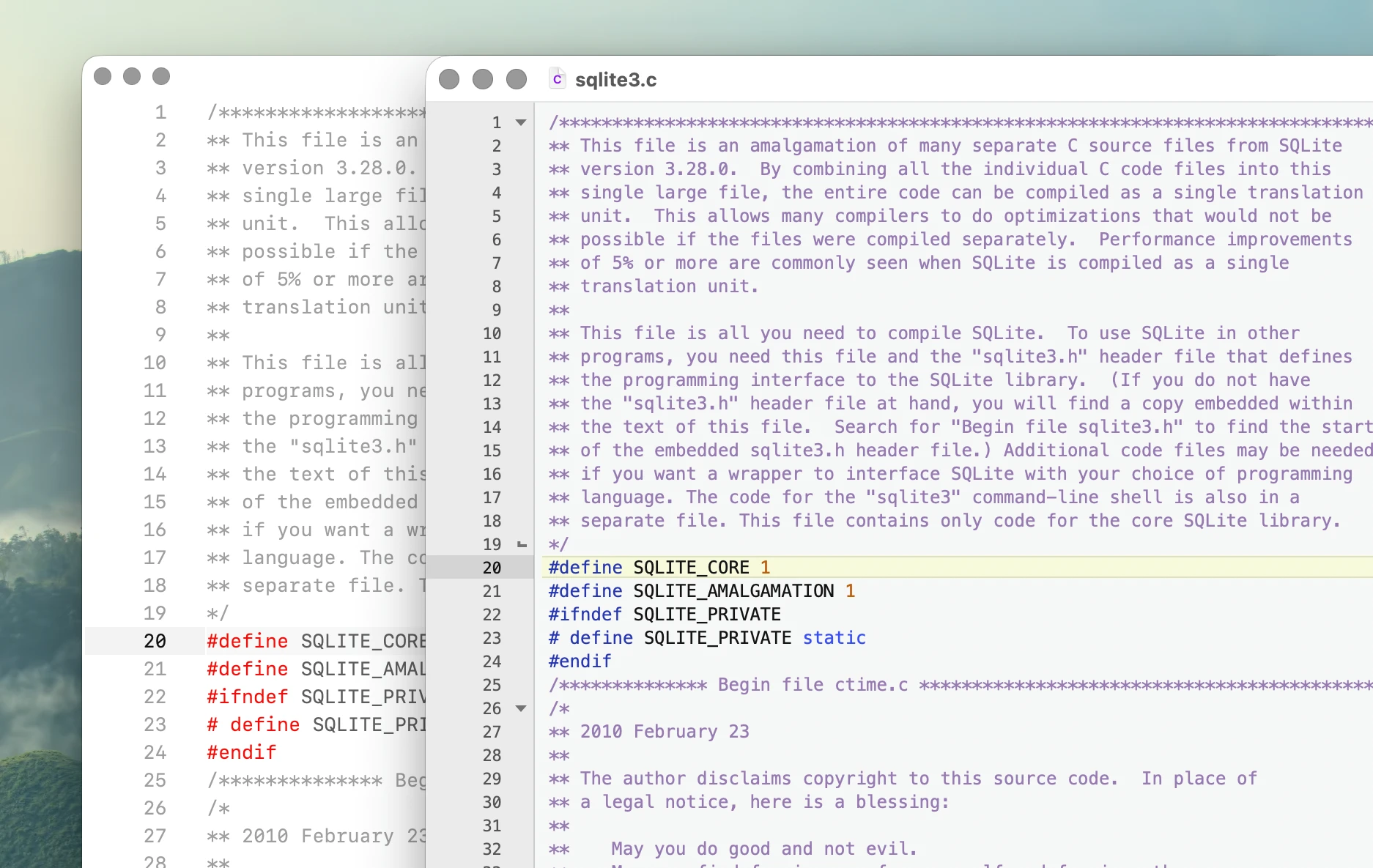
BBEdit
BBEdit is one of the longest-running Mac text editors and remains actively developed.
It is particularly strong at text manipulation, search, file processing, scripting, and working with large collections of files. BBEdit is less focused on recreating a modern IDE and more focused on being an extremely capable text editor.
For developers who want a traditional, mature Mac application with decades of development behind it, BBEdit remains one of the obvious choices.
Nova
Nova is Panic's native code editor for macOS.
It is closer to a complete development environment, with language servers, debugging, Git, tasks, extensions, file transfer, and project management built around a polished Mac interface.
Nova is a good choice if you want something closer to VS Code or a lightweight IDE while still using an application designed specifically for macOS.
CotEditor
CotEditor is a lightweight, open-source text editor built for macOS.
It focuses on editing text rather than providing a complete development environment. It includes syntax highlighting, powerful find and replace, split editing, scripting, and extensive support for text encodings.
It is particularly appealing if you want a fast general-purpose Mac text editor without IDE features surrounding it.
CodeEdit
CodeEdit is a newer open-source code editor written specifically for macOS.
It aims to provide a modern native development environment using current Apple technologies while remaining lighter than a traditional IDE.
Compared with BBEdit, Nova, and TextMate, CodeEdit is still relatively young, but it is one of the more interesting recent attempts to build a new code editor entirely around the Mac.
TextMate
TextMate is one of the most influential Mac code editors.
Its bundles, grammars, snippets, commands, and approach to extensibility influenced many of the editors that came after it.
Development is quieter today than during TextMate's peak, but the editor remains available and open source. It is still worth looking at if you prefer a lightweight, traditional Mac code editor.
Koi
Koi is a newer Mac-focused code and text editor built around low latency, large files, local AI, and a relatively minimal interface.
Koi is designed only for macOS. It uses native Mac windows, menus, dialogs, title bars, keyboard behavior, drag and drop, and other platform integration while using a specialized editing engine for the text itself.
The result is better described as native-first than completely native. Koi is closer in philosophy to editors such as Sublime Text and TextMate than to a full IDE.
The emphasis is on fast editing and navigation, with features such as multiple cursors, multiple views of the same document, tab multi-select, large-file support, scripting, and local AI through Ollama.
Native vs. native-first
Not every Mac-specific editor is built entirely from Apple's UI frameworks. Code editors often use specialized text engines because editing source code has different requirements from ordinary text fields: syntax highlighting, multiple cursors, folding, very large files, custom selections, annotations, and precise control over rendering and editing behavior.
A useful distinction is therefore:
- Native editors are built primarily using Apple's application frameworks.
- Native-first editors may use their own editing or interface technology, but are designed specifically for macOS and integrate directly with the platform where it matters.
Both approaches are different from an editor primarily designed as the same cross-platform application on macOS, Windows, and Linux.
Why choose a Mac-specific editor?
Cross-platform editors have an obvious advantage: the same editor, extensions, configuration, and workflows can follow you between operating systems.
A Mac-specific editor makes the opposite tradeoff. It can assume that it is running on macOS and design around that environment.
That can show up in window management, menus, keyboard shortcuts, file handling, drag and drop, system dialogs, typography, accessibility, startup behavior, and integration with other Mac applications.
None of this guarantees that an editor will be fast or good. It simply allows the editor to optimize for one platform rather than treating macOS as one of several targets.
If you spend most or all of your development time on a Mac, that can be a worthwhile tradeoff.
Which one?
The editors above cover quite different use cases.
- BBEdit is mature with powerful text manipulation and file-oriented workflows.
- Nova is a polished native development environment with more IDE functionality.
- CotEditor is for lightweight general-purpose text editing.
- CodeEdit is a modern open-source native code editor.
- TextMate is a lightweight, extensible traditional Mac code editor.
- Koi is a fast, minimal, native-first editing with large-file support and local AI.
There isn't one definition of what a Mac code editor should be. The common thread is that these editors treat macOS as the platform they are designing for rather than simply another platform they need to support.
Related: